Personal Safety Technology: Apps
Technology offers young adults a range of tools to enhance their personal safety, from emergency alert apps to location sharing features. Knowing what is available and how to use it effectively could make a real difference.

Personal Safety Technology: Apps
“Technology offers young adults a range of tools to enhance their personal safety, from emergency alert apps to location sharing features. Knowing what is available and how to use it effectively could make a real difference.”
Technology as a Safety Tool
Personal safety technology has expanded rapidly, and young adults now have access to a range of apps, devices, and features that previous generations could not have imagined. From smartphone apps that can alert trusted contacts in an emergency to wearable personal alarms, these tools can genuinely add a layer of protection in situations where you feel vulnerable or unsafe.
However, technology is a supplement to safety awareness and good habits, not a replacement for them. Understanding what tools are available, choosing the ones that fit your life, and knowing how to use them effectively is the goal of this guide.
Emergency Features Built Into Your Smartphone
Most modern smartphones have built-in emergency features that many people do not know about or have not set up. Taking a few minutes to familiarise yourself with these features is worth doing before you need them.
Emergency SOS: Both major smartphone operating systems offer emergency SOS features. On most devices, pressing the side or power button rapidly several times will initiate an emergency call and notify your emergency contacts with your location. On some devices, it also sounds a loud alarm. Setting up your emergency contacts in this system means that if you are in trouble, you can alert people even without being able to type a message or make a standard call.
Medical ID: Many smartphones allow you to set up a medical ID that is accessible from the lock screen without unlocking the phone. This can include blood type, allergies, medical conditions, and emergency contacts. In a medical emergency where you are unconscious or unable to communicate, this information can be crucial for first responders.
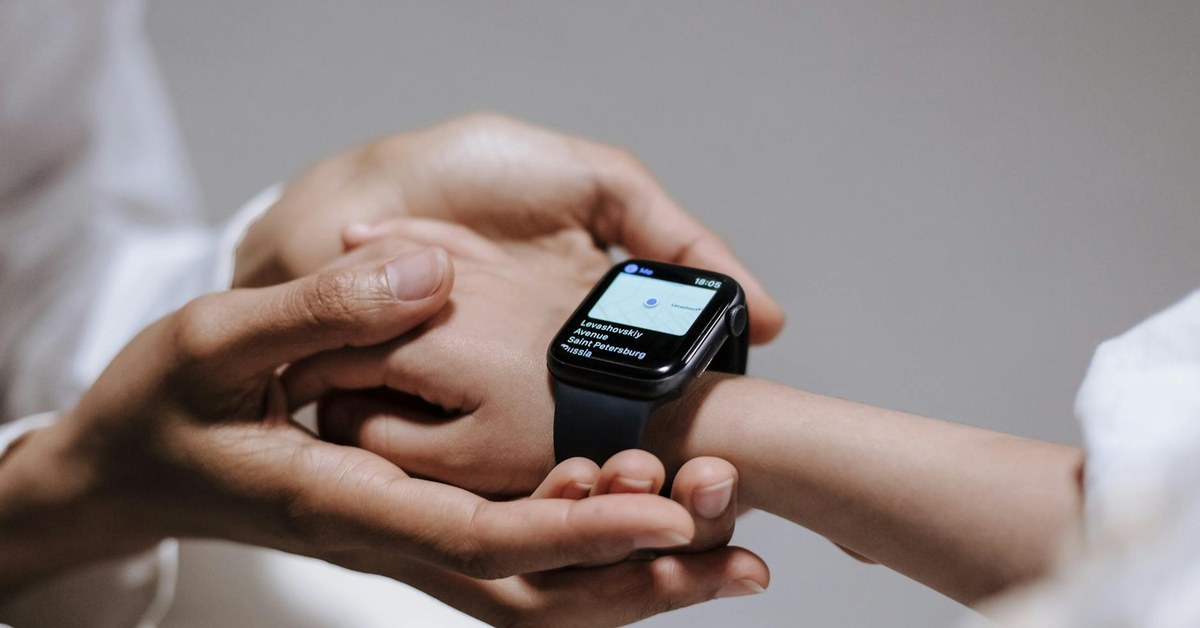
Location sharing: Most smartphones allow you to share your real-time location with specific contacts through the built-in maps or messaging apps. Using this feature to share your location with a trusted friend or family member when travelling alone, particularly at night, adds a layer of security. Agree with a trusted person that they will check in if they do not hear from you by a certain time.
Dedicated Safety Apps
A range of dedicated personal safety apps offer features beyond what is built into standard smartphones. When evaluating these apps, look for features such as real-time location sharing with trusted contacts, one-button emergency alerts, the ability to set a check-in timer that alerts contacts if you do not check in, and discreet activation so you can trigger an alert without making it obvious.
Many countries and universities have their own recommended or provided safety apps. University safety apps often link directly to campus security services and can send your precise campus location along with an emergency alert. Check whether your university provides or recommends a safety app and set it up during your first weeks.
When downloading any safety app, check the privacy policy to understand how your location data is stored and used. Choose established apps with strong reviews and transparent data practices.
Personal Alarms
Personal alarms are small, inexpensive devices that emit a very loud sound when activated, typically by pulling a pin or pressing a button. They are legal in most countries and can be carried on a keyring or in a pocket. The purpose of a personal alarm is to attract attention and startle an attacker, potentially creating an opportunity to escape.
For a personal alarm to be useful, it needs to be accessible quickly. Keeping it buried in a bag where you would have to search for it in a moment of stress defeats the purpose. Attach it to your keys or carry it in an outer pocket where it can be reached in seconds. Practice activating it so the motion is familiar.
Personal alarms are not a guaranteed deterrent, but they can be effective because they draw public attention to a situation and can startle or disorient an attacker. They are a low-cost addition to a broader personal safety approach.
Rideshare and Taxi Safety Features
Major rideshare platforms have introduced safety features in response to concerns about passenger safety. These typically include the ability to share your journey details with a contact in real time, an in-app emergency button that connects to local emergency services, and a verified trip feature that confirms the driver and vehicle details before you enter. Make a habit of using these features, particularly when travelling alone at night. Share your journey with a contact before you get in. Sit in the back seat, keep your phone accessible, and trust your instincts if something feels wrong.
What to Do If You Feel Unsafe
Technology supports your safety response but does not replace it. If you feel unsafe in a situation, the priorities are the same regardless of what technology you have available: get to a safe, populated place, alert someone, and contact emergency services if needed. Do not stay in a situation because you are focused on activating an app. Your feet and your voice are still your primary safety tools. Technology works best in situations where you have a moment to use it, such as when you are walking home and want to have a check-in system in place, rather than in fast-moving dangerous situations.
Digital Safety Planning
A simple digital safety plan can give you peace of mind and genuine protection. This involves ensuring that trusted contacts know your plans when you are going somewhere unfamiliar or potentially risky, having a check-in system so someone knows when to expect to hear from you, keeping your phone charged before going out, having emergency numbers saved and accessible, and knowing the emergency number for the country you are in. Emergency numbers vary internationally. While many countries use 999 or 911, others use different numbers, and in the European Union, 112 works across member states. If you are travelling internationally, check the local emergency number as part of your preparation.
Balancing Technology With Awareness
The most important personal safety tool you have is your own awareness and judgement. Technology amplifies your ability to respond to unsafe situations, but staying aware of your surroundings, trusting your instincts, and making considered decisions about when and where you go are what prevent most dangerous situations from arising in the first place. Use technology as a layer of support within a broader approach to personal safety, rather than as something that allows you to disengage from awareness of your environment.