Privacy in the Smart Home: Cameras
Smart home devices offer genuine convenience but collect significant amounts of personal data. This guide explains what these devices are actually collecting, who can access it, and how to configure your smart home with privacy in mind.

Privacy in the Smart Home: Cameras
“Smart home devices offer genuine convenience but collect significant amounts of personal data. This guide explains what these devices are actually collecting, who can access it, and how to configure your smart home with privacy in mind.”
The Convenience Trade-Off
Smart home technology, including voice assistants, connected cameras, smart doorbells, and networked appliances, has made its way into a large proportion of UK homes. The convenience is real: controlling lighting and heating by voice, seeing who is at the door from your phone, monitoring a sleeping baby remotely. So is the data collection. Understanding what these devices actually do with the information they gather, and making deliberate choices about configuration, is the difference between a smart home that serves you and one that serves primarily the companies that made the devices.
What Voice Assistants Actually Collect
Devices like Amazon Echo, Google Home, and Apple HomePod use a "wake word" that triggers active listening. The standard explanation is that the device only processes audio after the wake word is detected. The reality, acknowledged by manufacturers and confirmed by research, is that false activations are common: the device activates on words that sound similar to the wake word, and processes audio that was not intended to be heard.
Audio recordings from smart speakers have been reviewed by human employees at Amazon, Google, and Apple as part of quality assurance processes. All three companies have confirmed this practice and now provide opt-out options, though these are not typically enabled by default. In your device's privacy settings, review and disable human review of your audio recordings if this concerns you. You can also delete your stored voice history periodically through the companion app.
Review what data the device manufacturer collects beyond audio: location data, usage patterns, smart home device usage, and in some cases purchase history if linked to a shopping account. Most smart speaker companion apps include a privacy or data section where this can be reviewed and partially managed. These sections are worth visiting even if you have used the device for years.
Security Cameras and Smart Doorbells
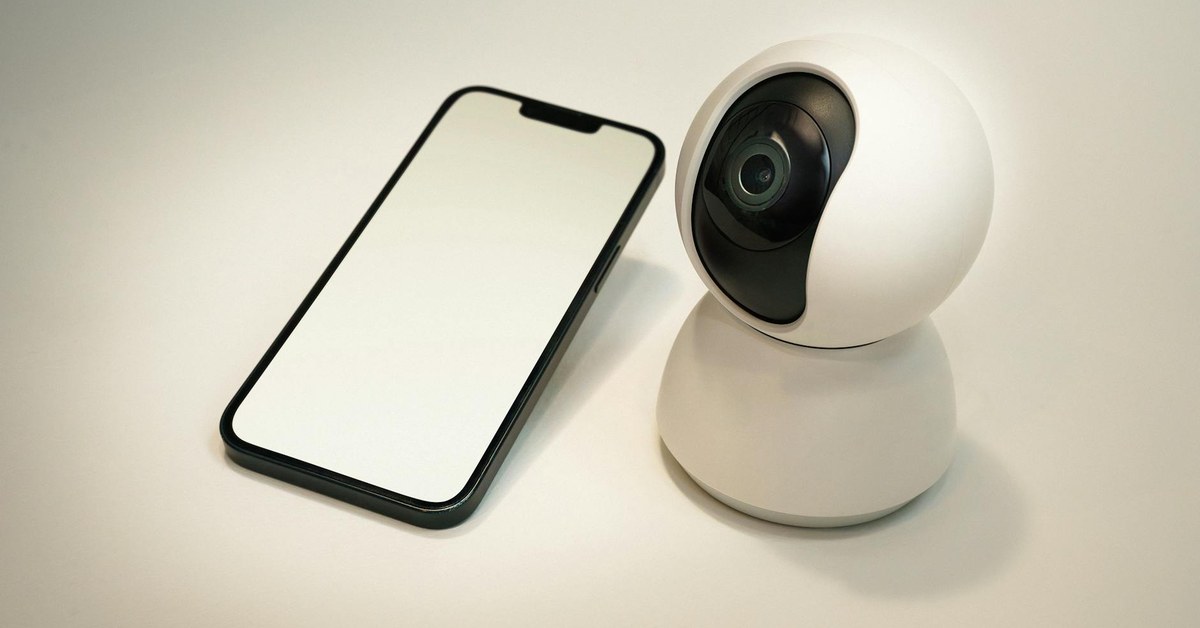
Indoor and outdoor security cameras provide genuine safety value, but they also represent a specific privacy and security risk if not properly configured. Camera feeds have been accessed by ex-partners, stalkers, and hackers when default settings were not changed. The Ring doorbell platform, for example, experienced significant controversy over data sharing with police and over security vulnerabilities that allowed unauthorised access to feeds.
Essential security steps for any network camera include: change the default username and password immediately on setup; enable two-factor authentication on the camera's companion account; keep the camera's firmware updated; and review the privacy policy to understand who the manufacturer can share footage with and under what circumstances. Many camera manufacturers share footage with law enforcement on request without informing the camera owner; understanding this policy before purchase or setup helps you make an informed decision.
Indoor cameras raise specific considerations around privacy for everyone in the household, including children and visitors. Think carefully about where indoor cameras are placed: bedrooms, bathrooms, and changing areas are obvious exclusions, but also consider whether cameras in living spaces are appropriate for all the people who use those spaces. Children and teenagers have privacy interests that should be considered alongside security interests. Explain to children what cameras are present, where, and why.
Securing Your Home Network
All smart home devices connect to your home Wi-Fi network, and the security of the network affects the security of every device on it. Change the default router password immediately if you have not done so: default credentials are published online and are the primary route of attack on home networks. Use WPA3 encryption if your router supports it, or WPA2 as a minimum.
Consider creating a separate guest network for smart home devices, isolated from the network used by your computers and phones. This means that if a smart device is compromised, the attacker does not automatically have access to the more sensitive devices on your main network. Most modern routers support guest networks through the admin interface.
Keep your router firmware updated. Router manufacturers regularly release security updates and most routers can be configured to update automatically. An unpatched router is one of the most common entry points for home network attacks.
Children's Privacy in the Smart Home
Smart home devices raise specific privacy considerations for children. Voice assistants can be used by children to make purchases, to access age-inappropriate content, and to have conversations that are recorded and stored. Review the parental controls available for your specific device: Amazon, Google, and Apple all provide some form of child-appropriate settings for their platforms.
Be thoughtful about smart toys and children's apps that connect to the internet. These are sometimes the least secure devices in a home network and have the weakest privacy protections. The Information Commissioner's Office provides an Age Appropriate Design Code that applies to online services directed at children in the UK, and devices that do not comply with this code should be approached with caution.
Have conversations with children and teenagers about what smart devices in the home can hear, what happens to that data, and why privacy matters. Digital literacy around home technology is becoming as important as digital literacy around phones and social media.
Practical Steps for a More Private Smart Home
Audit the smart devices in your home and remove any that are no longer actively used. Every connected device is a potential entry point, and devices that are not providing active value are not worth the risk they represent. Delete accounts associated with discontinued devices rather than simply stopping use.
Review privacy settings on all active devices at least once a year. Privacy settings change as companies update their terms of service and add new features, often with less restrictive defaults. An annual review ensures your settings reflect your current preferences rather than whatever was set up when the device was first activated.