Online Banking Safety for Older Adults
Online banking offers convenience and control, but it also brings risks that older adults need to understand. Learn how to bank safely online, recognise fraud attempts, and protect your financial accounts from criminals.
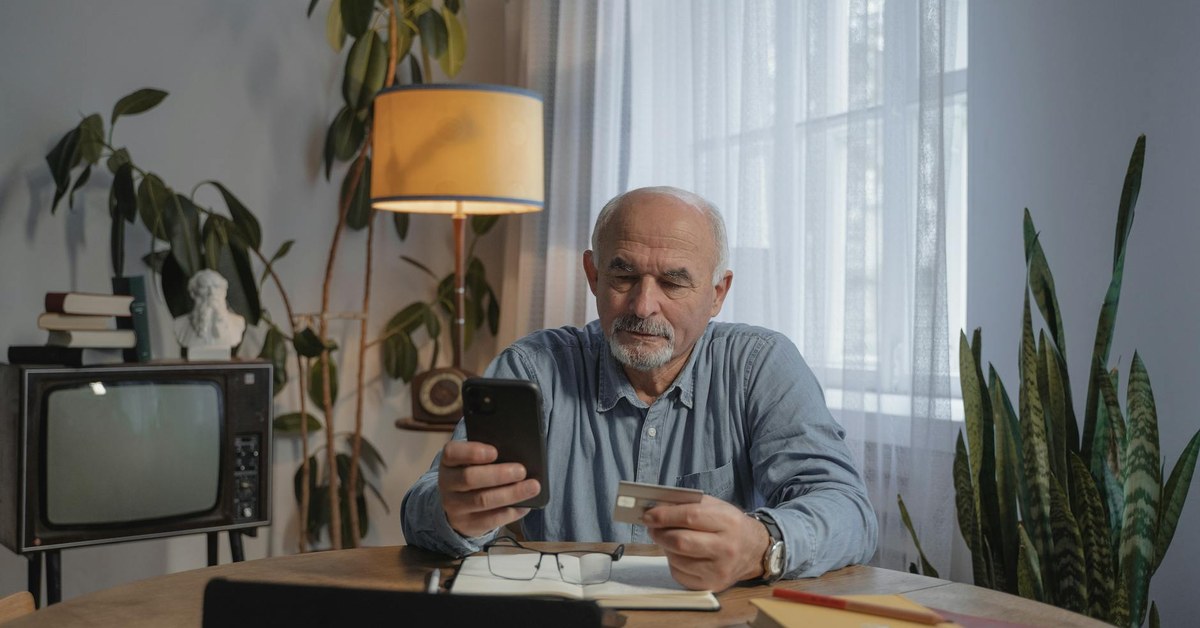

Online Banking Safety for Older Adults
“Online banking offers convenience and control, but it also brings risks that older adults need to understand. Learn how to bank safely online, recognise fraud attempts, and protect your financial accounts from criminals.”
The Benefits and Risks of Online Banking
Online banking has transformed the way people manage their finances. The ability to check balances, transfer money, pay bills, and review transactions from home, without visiting a branch or waiting on hold, offers genuine convenience, particularly for older adults who may find it difficult to travel to a bank branch or prefer to manage finances independently at home.
Adoption of online banking among older adults has increased significantly over the past decade. Studies across many countries show that the majority of adults over 65 now use some form of online or mobile banking, a proportion that continues to rise each year.
However, online banking also brings risks that require active management. Banking platforms are targeted by criminals using phishing attacks, malware, social engineering, and account takeover techniques. Understanding how these attacks work, and what you can do to protect yourself, is essential for anyone who manages their finances online.
Setting Up Your Online Banking Securely
If you are setting up online banking for the first time, or reviewing your existing security, start with the fundamentals.
Choose a strong, unique password for your online banking account. It should be at least 12 characters long, combining upper and lowercase letters, numbers, and symbols. Do not use a password that contains personal information such as your name, date of birth, or address, which a criminal might know or guess. Do not use the same password for banking that you use for any other website.
A password manager can generate and store strong, unique passwords for all your accounts, so you only need to remember one master password. Reputable password managers are available from well-known security companies and are far more secure than writing passwords in a notebook or using the same password everywhere.
Enable two-factor authentication (2FA) on your online banking account if your bank offers it, which most now do. 2FA requires you to verify your identity with a second step, typically a one-time code sent to your mobile phone, in addition to your password. Even if a criminal obtains your password, they cannot access your account without also having access to your phone.
Ensure the email address linked to your online banking account is secured with its own strong password and 2FA. Account recovery emails are a common target for criminals trying to take over accounts.
Safe Habits When Banking Online
How and where you access your online banking matters as much as your account security settings.
Always access your bank through the official website by typing the address directly into your browser, or through your bank's official app downloaded from an official app store. Never click a link in an email or text message to access your banking. Even if the link looks legitimate, it may take you to a convincing fake site designed to steal your credentials.
Look for the padlock symbol in your browser address bar before entering any login details. This indicates that the connection is encrypted. Be aware, however, that a padlock does not guarantee a website is genuine, only that the connection is encrypted. Phishing sites can also use encryption.
Only access online banking from trusted devices on secure networks. Avoid logging into your bank account on public computers in libraries, hotels, or internet cafes, where malware may have been installed by previous users. If you must use a public device, always log out completely and clear the browser history when you are done.
Avoid accessing online banking over public Wi-Fi networks such as those in cafes, airports, or shopping centres. These networks can be insecure and may allow criminals to intercept data. If you need to access your banking away from home, use your mobile phone network rather than public Wi-Fi, or use a VPN (virtual private network) to encrypt your connection.
Recognising Online Banking Scams
Several types of fraud specifically target online banking customers. Knowing how these work is the most effective protection against them.
Phishing emails appear to come from your bank and typically contain urgent messages about account security: your account has been locked, suspicious activity has been detected, or your details need verification. They contain links to fake websites that look almost identical to your bank's genuine site. Entering your credentials on these sites hands them directly to criminals.
Your real bank will never send you an email asking you to click a link to log in and verify your account details. If you receive an email claiming to be from your bank that contains such a request, do not click the link. Contact your bank directly using a number from your official bank card or statement.
Smishing (SMS phishing) works identically but via text message. Fraudulent texts may claim a payment has been made from your account, that a new payee has been added, or that your account will be suspended unless you take immediate action. As with phishing emails, do not click any links. Contact your bank directly if you have a concern.
Call spoofing and bank impersonation involve criminals calling you and displaying your bank's genuine phone number on your caller ID, making the call appear to come from the bank. They claim to be from your bank's fraud team and say your account has been compromised. They ask you to confirm personal details, move money to a safe account, or provide a one-time passcode. Your genuine bank will never ask you to do any of these things. Hang up and call your bank on the number from your bank card.
Remote access scams involve criminals claiming to be from your bank's technical team, asking you to download software that gives them control of your computer. Once connected, they can navigate directly to your online banking, make transfers, and harvest your credentials. Never allow anyone to remotely access your computer unless you have initiated the contact and are certain you are speaking to a legitimate support service.
Monitoring Your Accounts Regularly
Regular review of your bank accounts is one of the most effective ways to detect fraud early. Many banks recommend checking statements at least once a week. The sooner unauthorised transactions are identified, the greater the chance of recovering funds and limiting further damage.
Sign up for transaction alerts from your bank if they offer them. Receiving a notification for every transaction, or for transactions above a specified amount, allows you to immediately identify anything you did not authorise. Many banks also offer the ability to temporarily freeze your debit or credit card from within the app, which is useful if you suspect your card details have been compromised.
Review your standing orders and direct debits periodically. Fraudsters who gain access to an account sometimes set up small regular payments to accounts they control, relying on the small amounts going unnoticed among regular outgoings.
What to Do If You Suspect Fraud
If you notice an unrecognised transaction on your account, or if you believe someone has accessed your online banking, act immediately.
Call your bank's fraud team using the number on the back of your card or from your official bank statement. Do not use a number provided in an email or by someone who has called you. Report the suspicious activity, ask for your account to be reviewed, and request that any compromised cards be cancelled and replaced.
Change your online banking password and the password for the email account linked to your banking immediately. If you use the same password on any other sites, change those too.
Report the incident to your national fraud reporting service. In the UK, contact Action Fraud. In Australia, contact Scamwatch. In the USA, report to the FBI Internet Crime Complaint Centre. These reports contribute to national fraud intelligence and may help others avoid similar fraud.
Keep records of all correspondence with your bank, including dates, times, and the names of people you spoke to. Banks in many countries are required to investigate and potentially refund fraud losses, and thorough records support your claim.
Seeking Help With Online Banking
If you are not confident with online banking and would like support, many banks offer dedicated support services for older customers, including one-to-one tutorial sessions, telephone-based guidance, and in some cases home visits or accessible branch appointments.
Organisations such as Age UK, AARP, and their equivalents in other countries provide digital skills resources and sometimes in-person digital training sessions specifically for older adults. Public libraries in many countries also run free digital skills sessions.
It is entirely reasonable to ask a trusted family member to sit with you and guide you through setting up or reviewing your online banking security. Just ensure you change any passwords that someone else has seen once the session is complete, so that you maintain sole control of your account access.
Online banking, used safely, gives you more control and visibility over your finances than many older methods. With the right habits and protections in place, it is a powerful tool for managing your money on your own terms.